MEP shop drawings production
We can prepare coordinated plans, sections, service layouts and scoped shop-drawing outputs from approved engineering information and your drawing standards.
We can model approved mechanical, electrical and plumbing information, bring the disciplines together and prepare the views your team needs to review.
This helps whenSeveral building-services packages need to be modelled or coordinated before the next project review.
Book an introductory call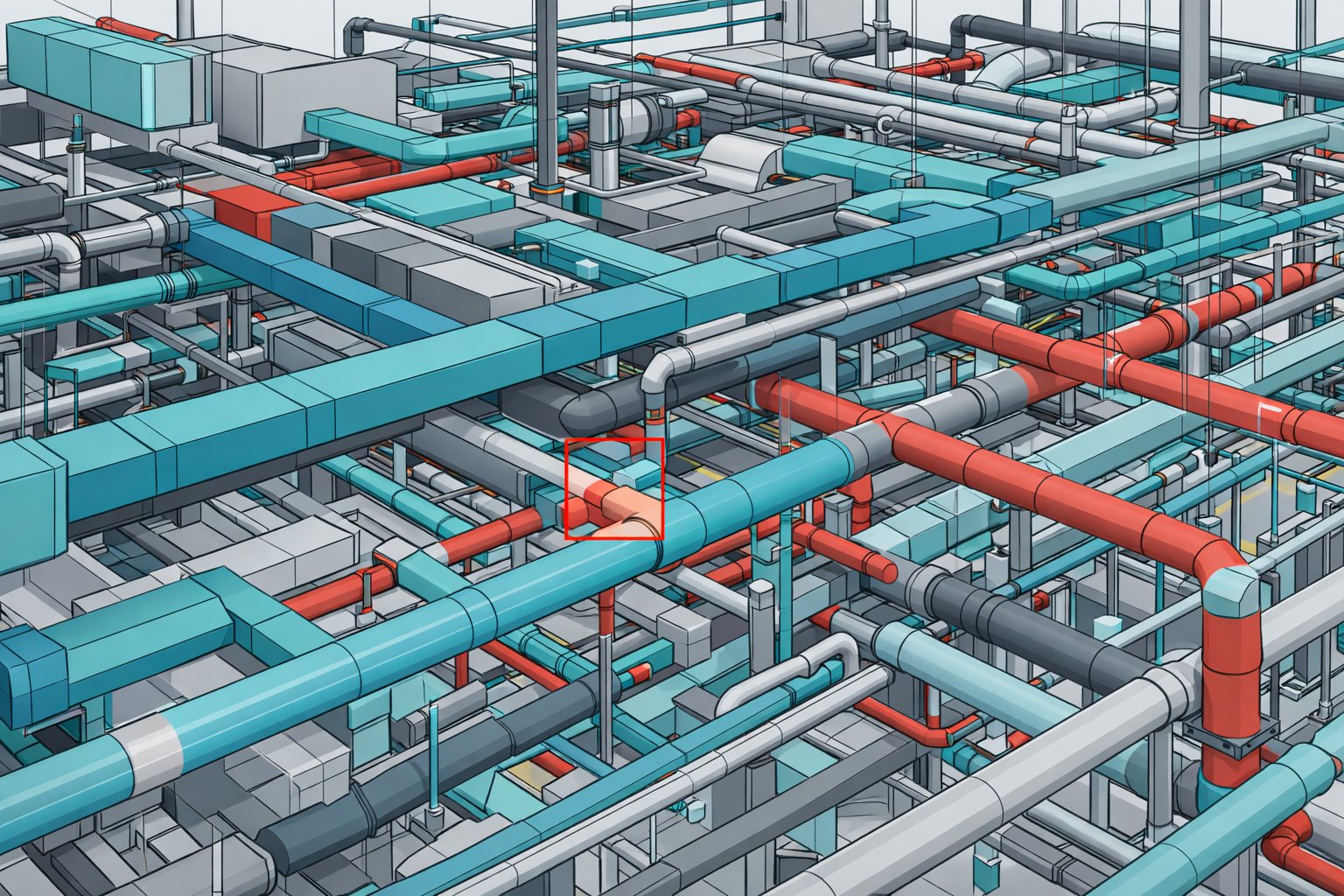
Choose only the parts your project needs. The final package depends on the stage, the quality of the source information and what your team needs to do next.
The exact model content, drawing output and review process are agreed from your source information and intended project use.
We can prepare coordinated plans, sections, service layouts and scoped shop-drawing outputs from approved engineering information and your drawing standards.
Where the brief calls for LOD 400, the element geometry, information fields, tolerances and authorised uses are agreed with your project team before modelling starts.
Fabrication-ready output depends on approved system design, manufacturer data, installation rules and specialist review. We can produce the model information in the brief; approval remains with the responsible MEP and fabrication teams.
Yes. Send us the software version, template, coordinates, browser structure, naming rules, model purpose and required outputs. We review that setup before confirming the work.
Your appointed project team does. We model approved information, raise questions and incorporate the decisions your responsible reviewers authorise.
Tell us a little about the workload and how your team works. We will use the introductory call to understand the next delivery and whether our production support is the right fit.